
Still need help?
Get in touch with the Education Portfolio team by logging a ticket via ServiceConnect. We'll be in touch shortly.
Log a ticketWant to provide feedback on this resource? Please log in first via the top nav menu.
The Rubric tool is used to communicate expectations of quality to guide students in their assignments. You can create and manage different kinds of rubrics in your Canvas course.
You can set up and manage rubrics in the Rubrics area of your Canvas site. Rubrics can be added to assignments, graded quizzes and graded discussions. You can create a rubric with or without scaled criteria, and with or without numerical scoring.
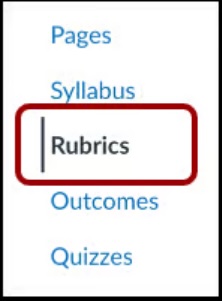
View the following Canvas guides for more information, including steps on how to create and manage rubrics:
If you have created a Turnitin Assignment using the Turnitin option in the Assignments area, and you are marking assignments in Feedback Studio, you must use Turnitin’s Rubric Manager to add a rubric to your assignment.
Get in touch with the Education Portfolio team by logging a ticket via ServiceConnect. We'll be in touch shortly.
Log a ticketWant to provide feedback on this resource? Please log in first via the top nav menu.